
Communications
Communications products
47 products
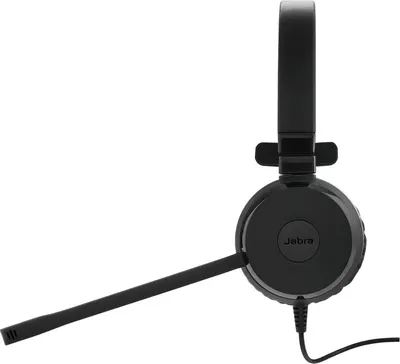 Jabra Evolve 30 II Headset Wired Head-band Office/Call center USBSKU 5399-823-369Log in for pricing
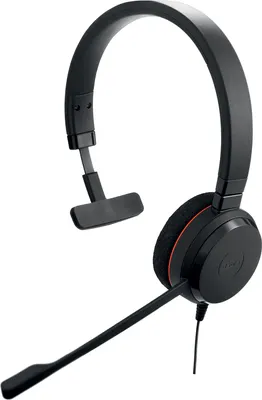 Jabra Evolve 20 Headset Wired Head-band Office/Call center USB Type-CSKU 4993-829-269Log in for pricing
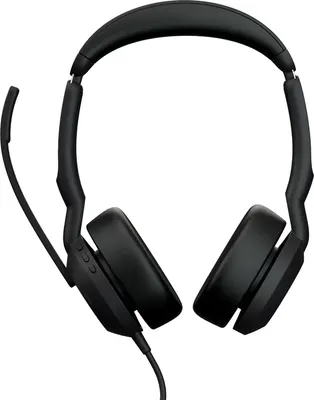 Jabra Evolve2 50 Headset Wired Head-band Office/Call center USB Type-CSKU 25089-999-799Log in for pricing
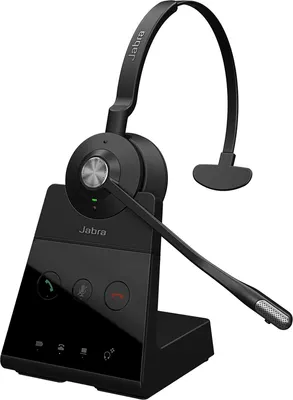 Jabra Engage 65 SE, Mono, UK/HK/SG/AU/NZ Low PowerSKU 9653-553-117-1Log in for pricing
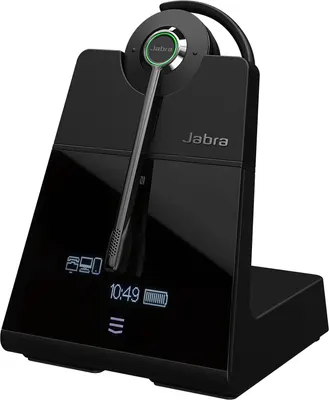 Jabra Engage 75 SE, Convertible, UK/HK/SG/AU/NZSKU 9655-583-117Log in for pricing
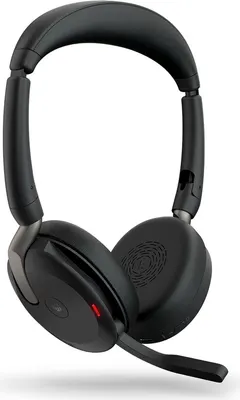 Jabra Evolve2 65 Flex, Link380c MS StereoSKU 26699-999-899Log in for pricing
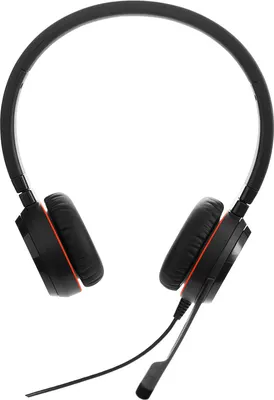 Jabra Evolve 20 SE Headset Wired Head-band Office/Call center USBSKU 4999-829-469Log in for pricing
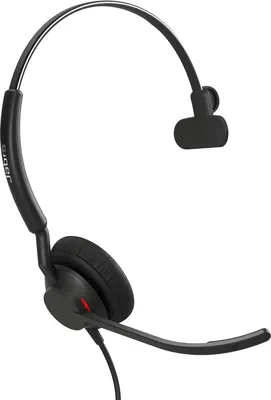 Jabra Engage 40, (Inline Link) USB-C/A MS MonoSKU 4093-413-269Log in for pricing
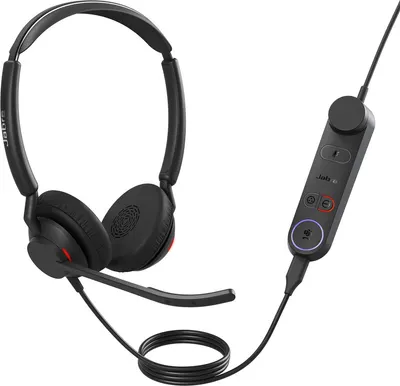 Jabra Engage 50 II, (50 II Link) USB-C/A MS StereoSKU 5099-299-2169Log in for pricing
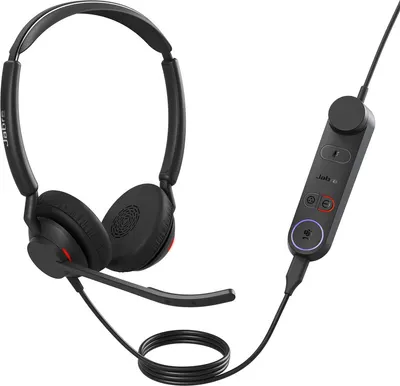 Jabra Engage 50 II, (50 II Link) USB-C/A UC StereoSKU 5099-299-2269Log in for pricing
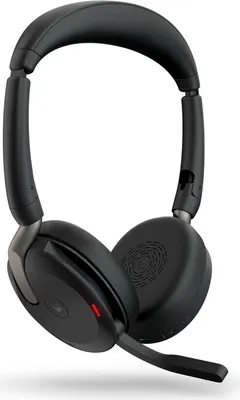 Jabra Evolve2 65 Flex, Link380a MS Stereo (Wireless Charging)SKU 26699-999-989Log in for pricing
 Jabra Evolve2 30 SE USB C/A UC Mono Headset Wired Handheld Office/CallSKU 23189-889-779Log in for pricing
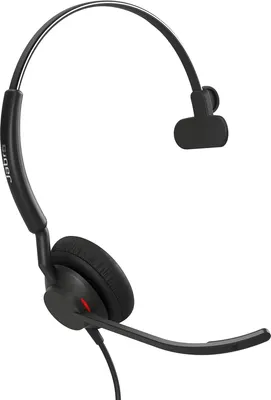 Jabra Engage 40, (Inline Link) USB-C/A UC MonoSKU 4093-419-269Log in for pricing
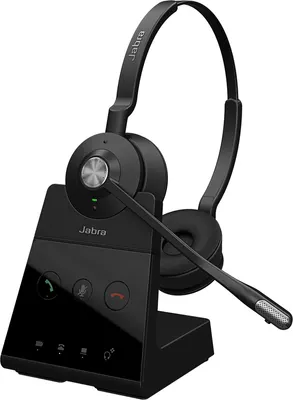 Jabra Engage 65 SE, Stereo, UK/HK/SG/AU/NZSKU 9659-553-117Log in for pricing
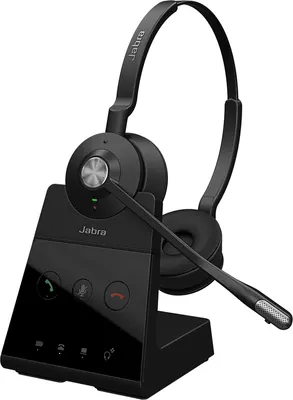 Jabra Engage 65 SE, Stereo, UK/HK/SG/AU/NZ Low PowerSKU 9659-553-117-1Log in for pricing
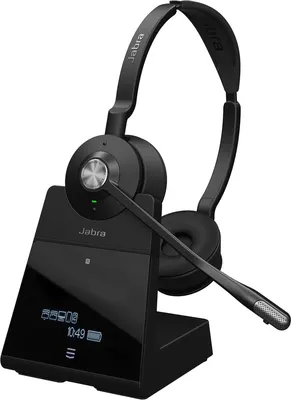 Jabra Engage 75 SE, Stereo, UK/HK/SG/AU/NZ Low PowerSKU 9659-583-117-1Log in for pricing
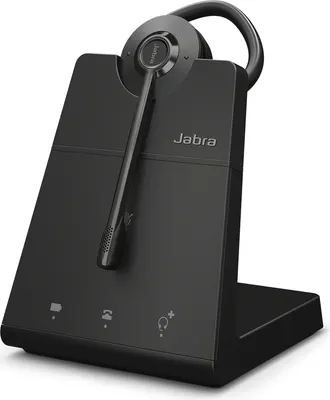 Jabra Engage 45 SE, Convertible, UK/HK/SG/AU/NZSKU 9655-523-117Log in for pricing
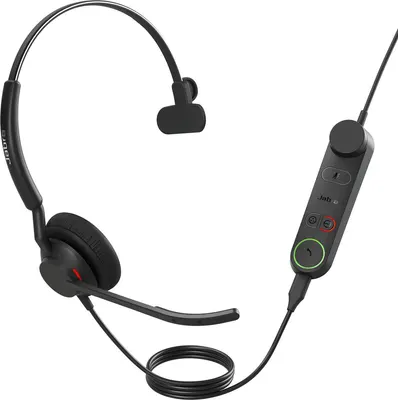 Jabra Engage 50 II, (50 II Link) USB-C/A MS MonoSKU 5093-299-2169Log in for pricing
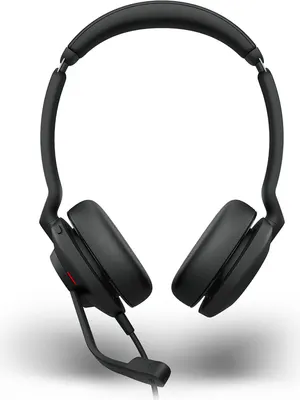 Jabra Evolve2 30, SE Headset Wired Head-band Office/Call center USBSKU 23189-999-779Log in for pricing
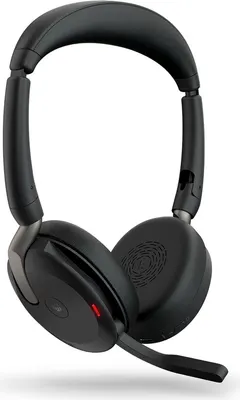 Jabra Evolve2 65 Flex, Link380c MS Stereo (Wireless Charging)SKU 26699-999-889Log in for pricing
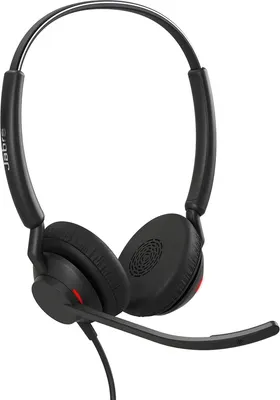 Jabra Engage 40, (Inline Link) USB-C/A UC StereoSKU 4099-419-269Log in for pricing
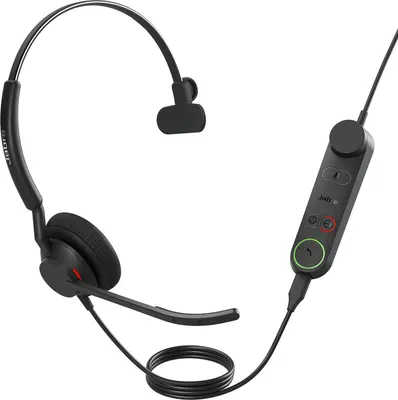 Jabra Engage 50 II, (50 II Link) USB-C/A UC MonoSKU 5093-299-2269Log in for pricing
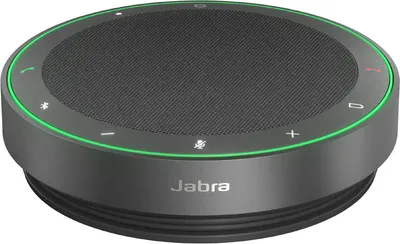 Jabra Speak2 75 UC, Link 380a, Dark GreySKU 2775-419Log in for pricing
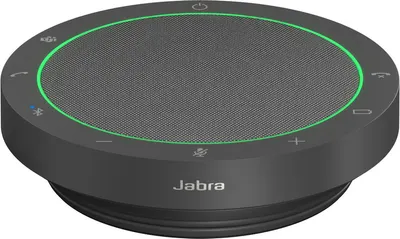 Jabra Speak2 55 MS Teams, Dark GreySKU 2755-109Log in for pricing
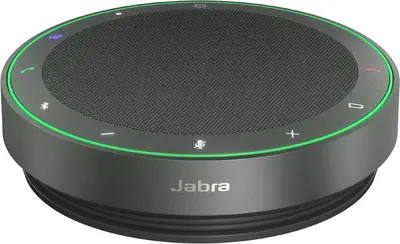 Jabra Speak2 75 MS Teams, Link 380a, Dark GreySKU 2775-319Log in for pricing
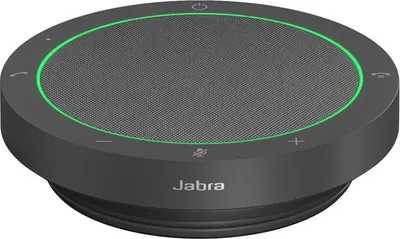 Jabra Speak2 40 UC, Dark GreySKU 2740-209Log in for pricing
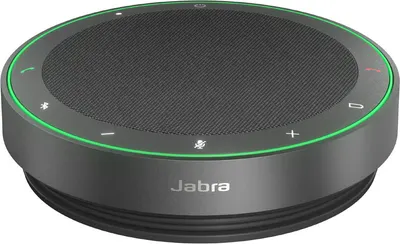 Jabra Speak2 75 UC, Dark GreySKU 2775-209Log in for pricing
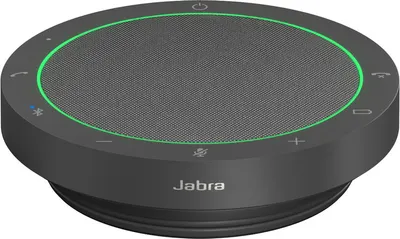 Jabra Speak2 55 UC, Dark GreySKU 2755-209Log in for pricing
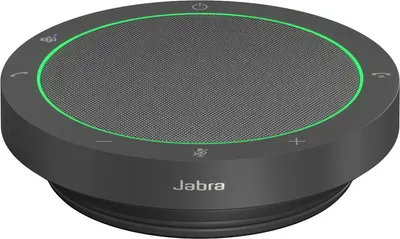 Jabra Speak2 40 MS Teams, Dark GreySKU 2740-109Log in for pricing
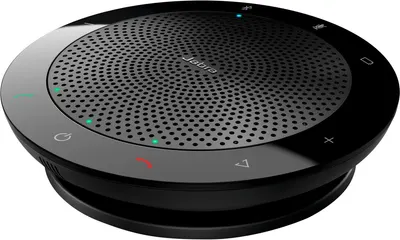 Jabra Speak 510+ MSSKU 7510-309Log in for pricing
 Jabra Speak 510 MSSKU 7510-109Log in for pricing
 Jabra Speak 510+ UCSKU 7510-409Log in for pricing
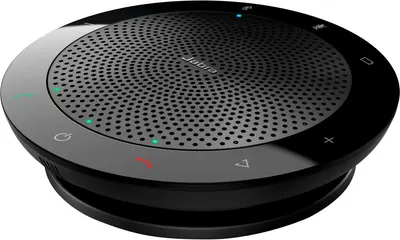 Jabra Speak 510 UCSKU 7510-209Log in for pricing
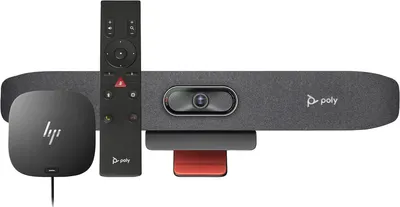 Poly Studio R30 USB Video Bar and BT Remote with HP USB-C Dock G5SKU 9U3U0AALog in for pricing
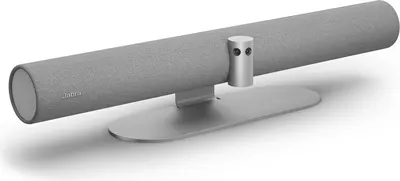 Jabra PanaCast 50 Grey, UKSKU 8201-237Log in for pricing
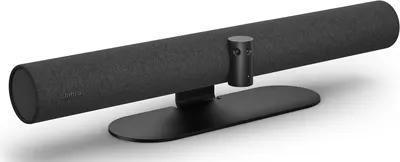 Jabra PanaCast 50 Black, UKSKU 8200-237Log in for pricing
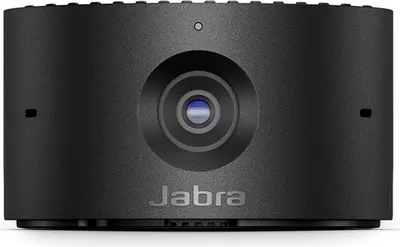 Jabra PanaCast 20SKU 8300-119Log in for pricing
- LogitechLogitech Mobile Speakerphone P710eSKU 980-000742Log in for pricing
- LogitechLogitech Webcam C925e, 1920 x 1080, USB 2.0, H.264SKU 960-001076Log in for pricing
- LogitechLogitech PTZ Pro 2, Conference Camera, 90° Field of View, Plug & PlaySKU 960-001186Log in for pricing
- LogitechLogitech HD Pro Webcam C922, Webcam, colour, 720p, 1080p, H.264SKU 960-001088Log in for pricing
- LogitechLogitech HD Pro Webcam C920, 1920 x 1080, USB 2.0, H.264SKU 960-001055Log in for pricing
- LogitechLogitech Expansion Mic for MeetUp, MicrophoneSKU 989-000405Log in for pricing
- LogitechLogitech HD Webcam C270, 1280 x 720, USB 2.0SKU 960-001063Log in for pricing
- LogitechLogitech MeetUpSKU 960-001102Log in for pricing
- LogitechLogitech ConferenceCam Connect, Conference camera, 1920 x 1080, 720pSKU 960-001038Log in for pricing
- LogitechLogitech BCC950 ConferenceCam, PTZ, 1920 x 1080, USB 2.0, H.264SKU 960-000867Log in for pricing
Buying meeting room and headset kit
Choose meeting room and headset equipment certified for the platform you use, such as Microsoft Teams or Zoom, so that the call controls, the join button and the audio settings work as intended. Size the kit to the room: an all in one video bar suits a small huddle room, while larger rooms need a separate camera, ceiling or table microphones and speakers that reach the back of the room.
For headsets, the most useful choice is how people work: on calls all day in an open office, moving between desk and phone, or mostly on a laptop on the move.
Buying questions
Should I choose a USB room setup or a Teams Rooms system?
A USB setup uses the presenter's own laptop to run the camera bar and speakers, which is flexible and quick to install. A Teams Rooms system has its own built in computer and touch console, so meetings start with one touch and the room is the same every time. Each Teams Rooms system needs a Teams Rooms licence: Basic covers up to 25 rooms per organisation, and Pro adds remote management and analytics.
Wired, Bluetooth or DECT headset?
Wired USB headsets are simple and never need charging. Bluetooth headsets pair with both a laptop (through a USB dongle for the best call quality) and a mobile phone. DECT headsets give the longest range from their base, which suits people who move around the office while on calls. For open offices, look for active noise cancellation and a boom microphone.
What camera field of view do I need?
In small rooms people sit close to the screen, so a wide field of view of around 110 to 120 degrees keeps everyone in shot. In larger rooms a narrower lens with optical zoom and automatic framing gives a closer, clearer picture of whoever is speaking.
What do I need to make phone calls in Teams?
Each user needs a Teams Phone licence, plus a way to reach the phone network: a Microsoft Calling Plan, Operator Connect through a phone operator, or Direct Routing through your own connection. Desk phones and headsets certified for Teams then work with your numbers directly.