
Laptops and Devices
Laptops and Devices products
183 products
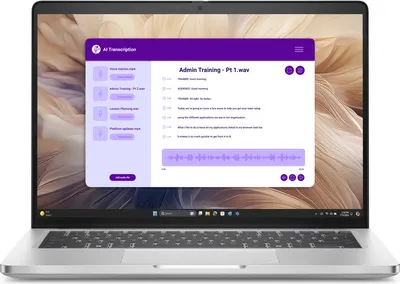 Dell Pro 14 Plus PB14250, Core Ultra 7 268V, 32 GB, 512 GB SSDSKU 969VRLog in for pricing
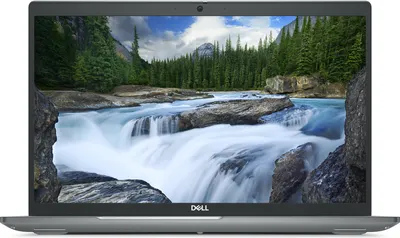 Dell Latitude 5550, Core Ultra 5 125U, 8 GB, 512 GB SSD, 15.6 inchSKU G92JRLog in for pricing
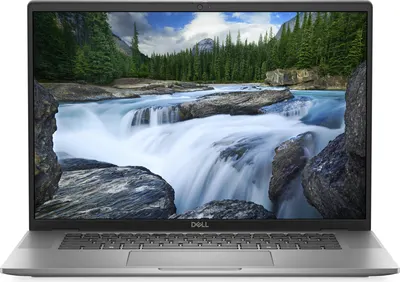 Dell Latitude 7650, Core Ultra 7 165U, 16 GB, 512 GB SSD, 16 inchSKU 05D4VLog in for pricing
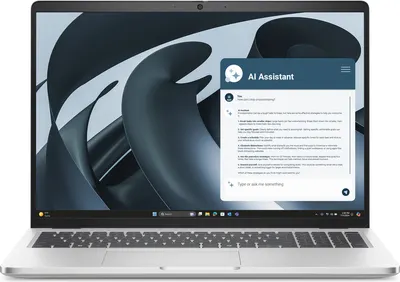 Dell Pro 16 Plus PB16255, Ryzen AI 5 340, 16 GB, 512 GB SSD, 16 inchSKU H0T9WLog in for pricing
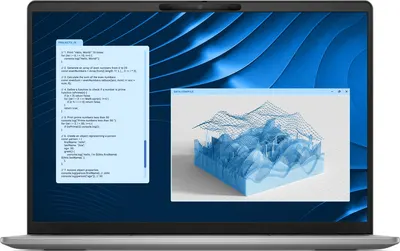 Dell Latitude 5455, Snapdragon X1P-64-100, 16 GB, 512 GB SSD, 14 inchSKU 91Y2NLog in for pricing
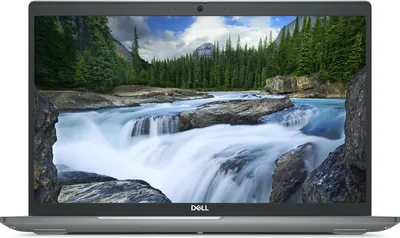 Dell Latitude 5550, Core Ultra 5 135U, 16 GB, 512 GB SSD, 15.6 inchSKU 4WXM8Log in for pricing
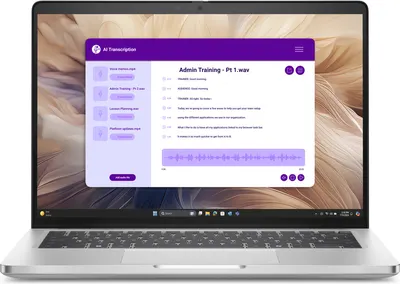 Dell Pro 14 Plus PB14250, Core Ultra 5 236V, 16 GB, 512 GB SSDSKU K01R4Log in for pricing
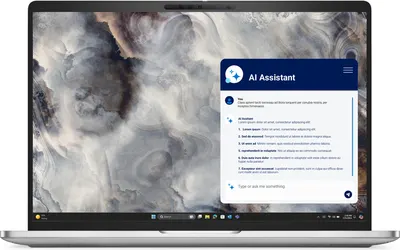 Dell Pro 16 Plus PB16250, Core Ultra 7 268V, 32 GB, 512 GB SSDSKU D0P02Log in for pricing
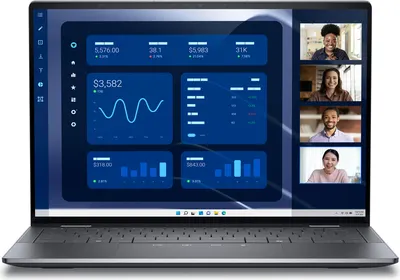 Dell Latitude 9450 2-in-1, Core Ultra 7 165U, 16 GB, 14 inchSKU Y06KXLog in for pricing
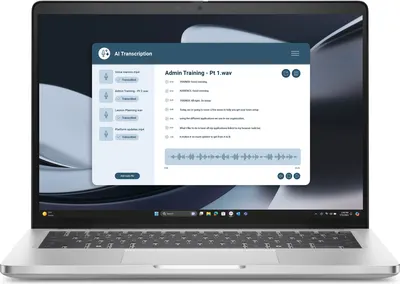 Dell Pro 14 Plus PB14255, Ryzen AI 5 340, 16 GB, 512 GB SSD, 14 inchSKU 6GC8PLog in for pricing
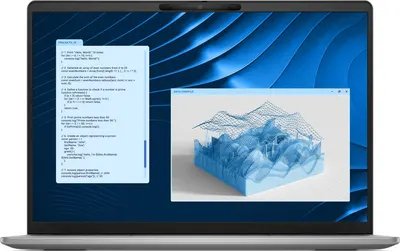 Dell Latitude 5455, Snapdragon X1P-42-100, 16 GB, 512 GB SSD, 14 inchSKU P0P8VLog in for pricing
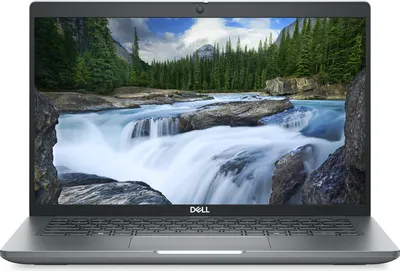 Dell Latitude 5450, Core Ultra 5 135U, 16 GB, 512 GB SSD, 14 inchSKU N82XJLog in for pricing
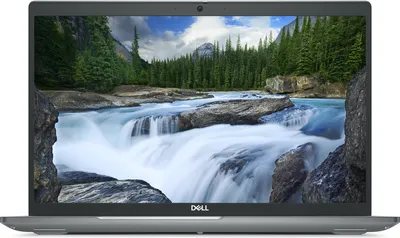 Dell Latitude 5550, Core Ultra 7 165U, 16 GB, 512 GB SSD, 15.6 inchSKU KYM7PLog in for pricing
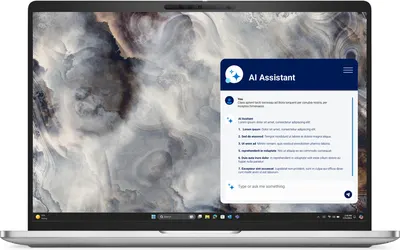 Dell Pro 16 Plus PB16250, Core Ultra 5 235U, 16 GB, 512 GB SSDSKU 02NJXLog in for pricing
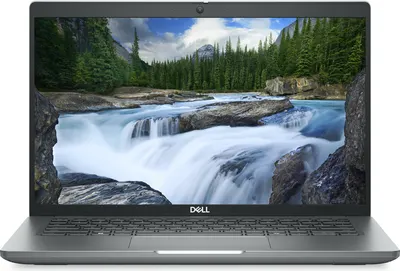 Dell Latitude 5450, Core Ultra 7 165U, 16 GB, 512 GB SSD, 14 inchSKU WR6KHLog in for pricing
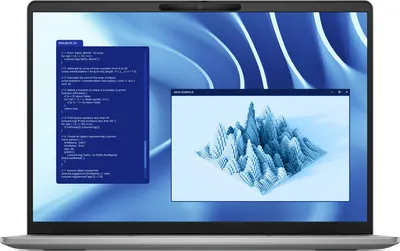 Dell Latitude 7455, Snapdragon X1P-64-100, 16 GB, 512 GB SSDSKU GFMH3Log in for pricing
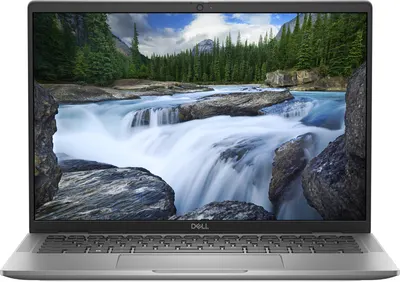 Dell Latitude 7450, Core Ultra 5 135U, 16 GB, 512 GB SSD, 14 inchSKU MX22GLog in for pricing
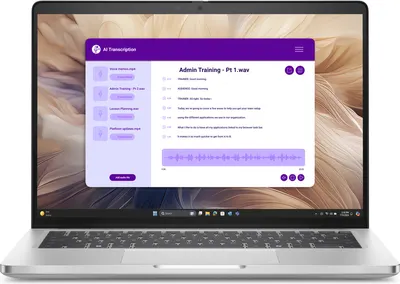 Dell Pro 14 Plus PB14250, Core Ultra 5 235U, 16 GB, 512 GB SSDSKU NKKNNLog in for pricing
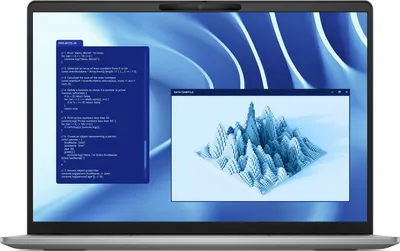 Dell Latitude 7455, Snapdragon X1E-80-100, 32 GB, 512 GB SSDSKU 0GJ14Log in for pricing
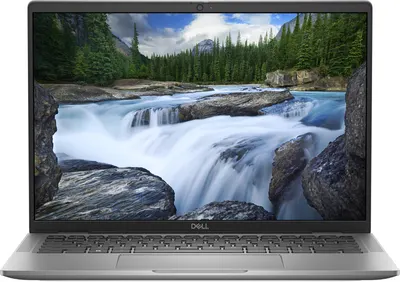 Dell Latitude 7450, Core Ultra 7 165U, 32 GB, 512 GB SSD, 14 inchSKU R4XDNLog in for pricing
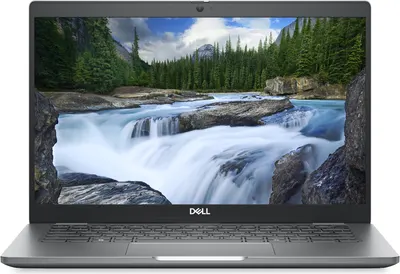 Dell Latitude 5350, Core Ultra 7 165U, 16 GB, 512 GB SSD, 13 inchSKU 55WK2Log in for pricing
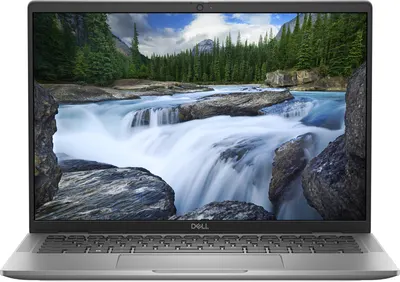 Dell Latitude 7450, Core Ultra 7 165U, 16 GB, 512 GB SSD, 14 inchSKU HR1HMLog in for pricing
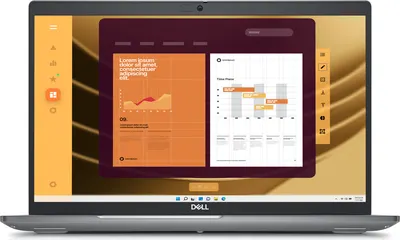 Dell Latitude 5550, Core Ultra 7 165U, 32 GB, 512 GB SSD, 15.6 inchSKU NVFFVLog in for pricing
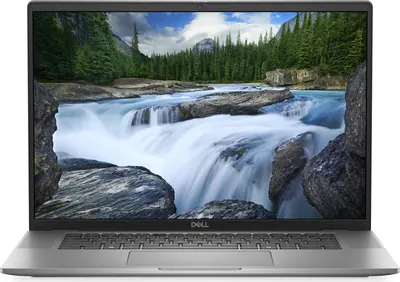 Dell Latitude 7650, Core Ultra 7 165U, 32 GB, 512 GB SSD, 16 inchSKU F5GTTLog in for pricing
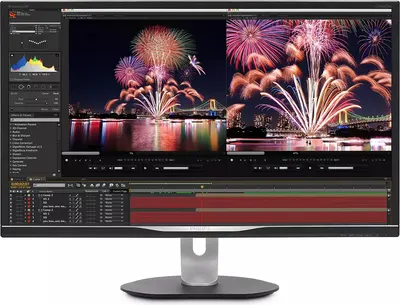 Philips P Line LCD monitor with USB-C Dock 328P6AUBREB/00SKU 328P6AUBREB/00Log in for pricing
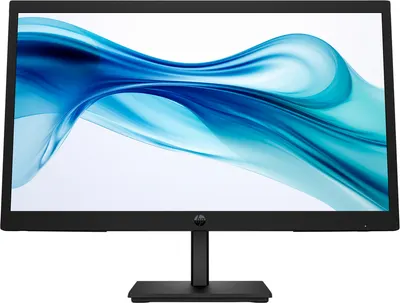 HP Series 3 Pro 21.45 inch FHD Monitor, 322pvSKU 9U5A2AA#ABULog in for pricing
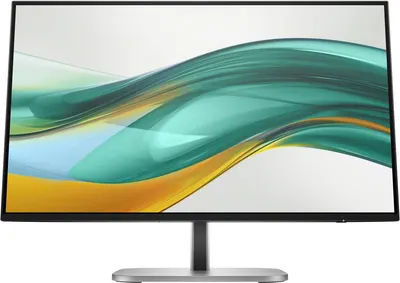 HP Series 5 Pro 23.8 inch FHD Monitor, 524pfSKU 9D9L6UT#ABULog in for pricing
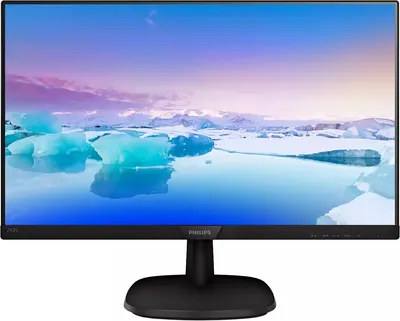 Philips V Line Full HD LCD monitor 243V7QJABF/00SKU 243V7QJABF/00Log in for pricing
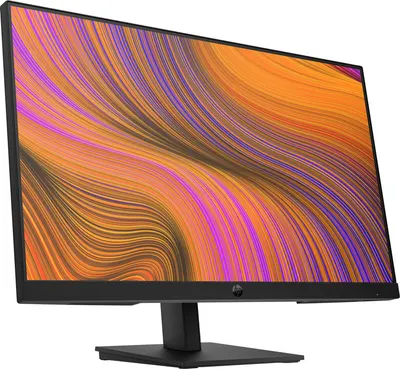 HP P24h G5 FHD MonitorSKU 64W34AA#ABULog in for pricing
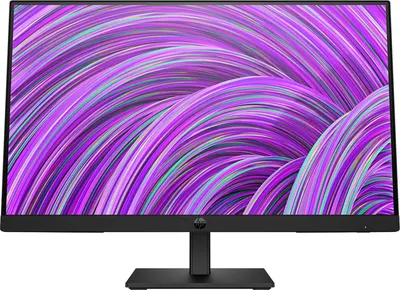 HP P22h G5 FHD MonitorSKU 64W30AA#ABULog in for pricing
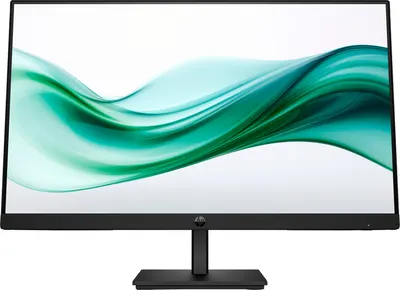 HP Series 3 Pro 23.8 inch FHD Monitor, 324pvSKU 9U5C1AA#ABULog in for pricing
 HP P22v G5 FHD MonitorSKU 64V81AA#ABULog in for pricing
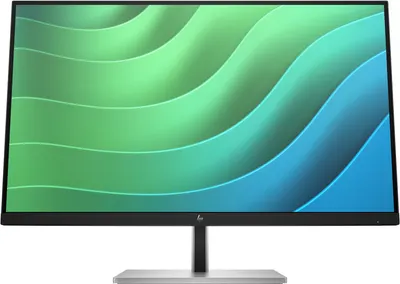 HP E27 G5 FHD MonitorSKU 6N4E2AA#ABULog in for pricing
 HP 5 year Next Business Day Response Onsite Notebook Hardware SupportSKU U9DR1ELog in for pricing
 HP 4 year NBD Response Onsite Workstation Hardware SupportSKU U7942ELog in for pricing
 HP 4 year Next Business Day Onsite Notebook Hardware SupportSKU U7875ELog in for pricing
 HP 3 year Onsite Notebook SupportSKU U9BA7ELog in for pricing
 HP 4 year NBD with DMR Service for Digital Sender 8500fn2SKU U9TW3ELog in for pricing
 HP 3 year DaaS Proactive Management Standard Service with NBD OnsiteSKU U9LZ6ELog in for pricing
 HP 5 year Pickup and Return with DMR Notebook Hardware SupportSKU UJ406ELog in for pricing
 HP 4 year NBD Onsite Hardware Support for DesignJet T830-24 MFPSKU U9RS9ELog in for pricing
 HP 5 year NBD Hardware Support with DMR for PageWide Pro 77x MFPSKU U9LH8ELog in for pricing
 HP 5 year Onsite with DMR Notebook SupportSKU U9EF0ELog in for pricing
 HP 3 year Next Business Day Service for LaserJet Enterprise M608 M611SKU U9NE0ELog in for pricing
 HP 4 year NBD Parts Exchange Service for PageWide Pro 77x MFPSKU U9LJ6ELog in for pricing
 HP 4 year Next Business Day Service for LaserJet Enterprise M609 M612SKU U9MZ1ELog in for pricing
 HP 5 year Next Business Day Service for LaserJet Enterprise M609 M612SKU U9MZ2ELog in for pricing
 HP 2 year Post Warranty NBD Hardware Support with DMR for LaserJetSKU U9NL9PELog in for pricing
Buying business laptops, desktops and monitors
A business computer lasts longest when the specification is chosen for the work rather than on price alone. For everyday office use a current Intel Core Ultra or AMD Ryzen processor, 16GB of memory and a 512GB NVMe SSD is a sensible starting point; 32GB suits heavy multitasking, large spreadsheets, development and design work.
Business ranges such as HP EliteBook, Dell Pro and Latitude, and Lenovo ThinkPad add remote management, firmware security and longer model lifecycles that consumer models usually lack. Windows 10 reached end of support on 14 October 2025, so anything you buy now should run Windows 11, which needs TPM 2.0. For printers, compare the cost per page from the yield of the replacement toner or ink, not only the price of the printer.
Buying questions
How much memory should a business laptop have?
16GB is the practical minimum for Windows 11 with Microsoft 365, Teams and a busy browser. Choose 32GB for development, CAD, video or large data work. Many thin laptops use soldered LPDDR5X memory that cannot be upgraded later, so buy the amount you will need for the life of the machine.
What is a Copilot+ PC, and do I need one?
A Copilot+ PC is a Windows 11 computer with a neural processing unit (NPU) rated at 40 TOPS or more, which runs some AI features on the device itself, such as live caption translation and camera effects. Microsoft 365 Copilot runs in the cloud and works on any supported Windows 11 PC, so an NPU is useful but not essential for most office work.
Will one USB-C cable charge my laptop and run my screens?
It can, if the port and the dock or monitor both support it. Check that the laptop's USB-C port carries video (DisplayPort Alt Mode or Thunderbolt), and that the dock's USB Power Delivery output meets the laptop's charger rating: USB PD 3.0 goes up to 100W and USB PD 3.1 up to 240W. Thunderbolt 4 and 5 docks drive two or more external displays from one cable on supported laptops.
Which monitor size and resolution should I choose?
24 inch screens at 1920 x 1080 suit general office work; at 27 inch, 2560 x 1440 keeps text sharp, and 4K suits detailed design or photo work. A height adjustable stand helps meet the Display Screen Equipment Regulations, and a USB-C monitor with power delivery can charge a laptop and carry its picture through one cable.